
One newsletter was trying to do everything. So we turned it into three.
A one-month design contract on Microsoft's CGE team turned into a Marketing Manager role - and a system that let the whole team plan, build, test, and localize three monthly newsletters at global scale.
- Team
- Microsoft: Customer Growth Engine
- Role
- Email Designer → Marketing Manager
- Scope
- Strategy, process, A/B testing, Figma, AEM
- Outcome
- 25-30% average lift in product usage

The team didn't need more hands. They needed better tools.
The marketing managers could build their own emails - they just needed the system. And the flagship newsletter was one monthly send carrying every team's goals. When everything is a priority, nothing leads.
We got the team trained on Microsoft's Figma components and AEM, built templates and approval systems - and when a Marketing Manager role opened up, I stepped into it.
Monthly, huge audience, every line of business competing for space.
Copilot usage, on its own and inside Microsoft products.
Usage across Excel, Word, Outlook, and the suite.
The whole Microsoft umbrella, plus device sales.
A monthly rhythm the whole team could run.
- 01 / YearlyPlan the year
Monthly themes and starter ideas.
- 02Collect requests
One form, a strict schedule.
- 03Prioritize
Leadership picks what leads.
- 04Design in Figma
Everything to build, in one file.
- 05Approve
QA'd mockups, right the first time.
- 06Hand off
Developers build in AEM.
- 07Localize & version
By language, market, and season.
- 08 / RepeatSend, test & measure
A/B tested, tracked to product usage.
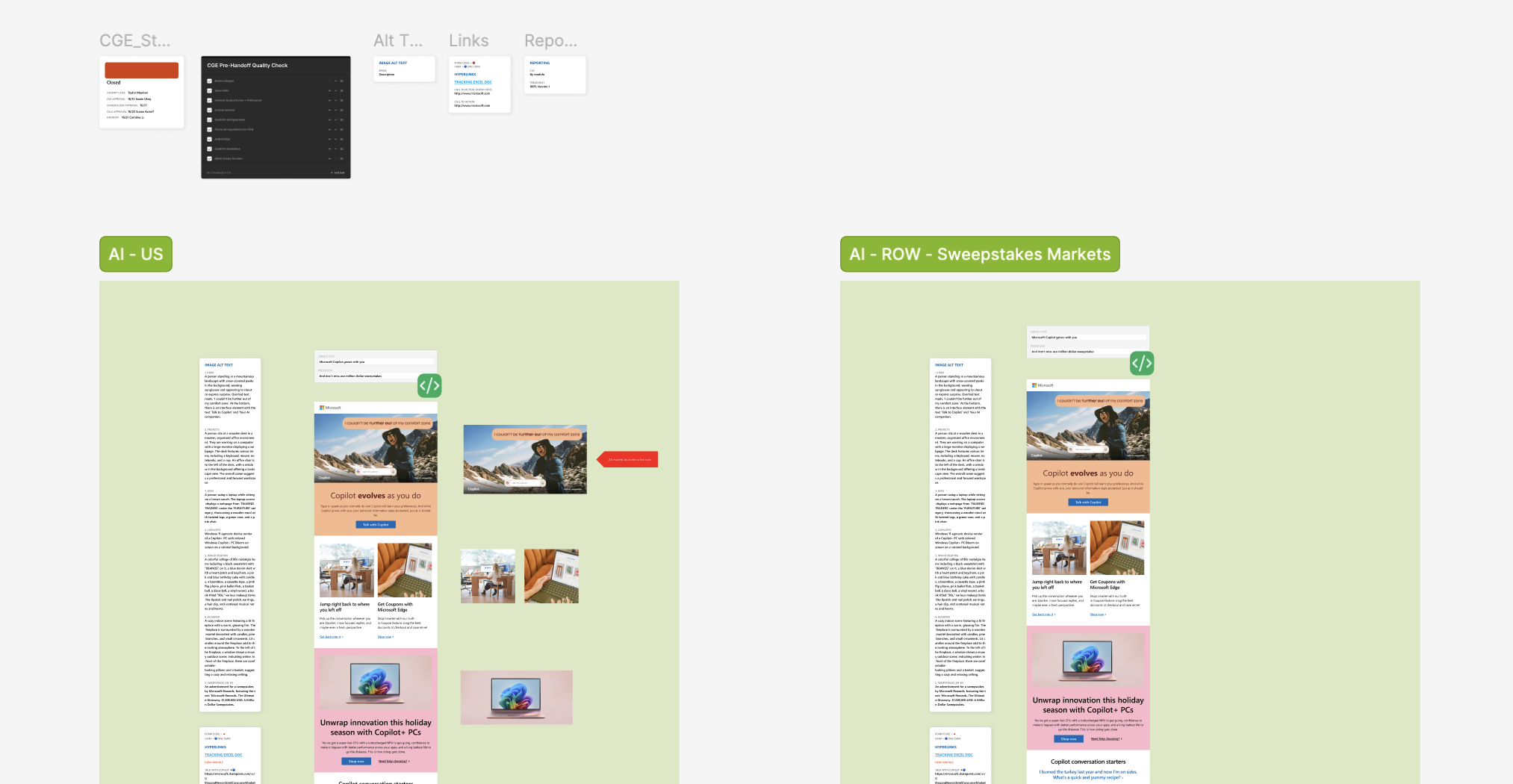
September: one month, three angles.



Small tests ran in every send. Month after month they added up to a separate playbook for each audience - built on evidence, not opinion.
average lift in product usage across lines of business.
Measured from people who engaged with an email and went on to use the product. The newsletters were new, so there was no prior year to compare.
Everything needed to build lived in one file.
The whole team runs on the process we built.
A one-month gig became a Marketing Manager role.
"Taylor is the best designer I have ever met. Her versatility spans from email design to web design and everything in between. She can seamlessly own projects from strategy through concept and execution."
"She was able to revamp the look and feel while also prioritizing the newsletter real estate depending on the goals for each month."